



 MENU
MENUExperience 3x to 400x Faster Graphics:
Tecplot’s New Vulkan Graphics Engine
Vulkan-Based Graphics Engine
FieldView 2025 introduces a new Vulkan-based graphics engine, delivering significantly improved performance, visual quality, and long-term platform compatibility. This modern rendering technology enables faster and smoother visualization, up to 3x to 400x faster, especially for large and complex datasets.
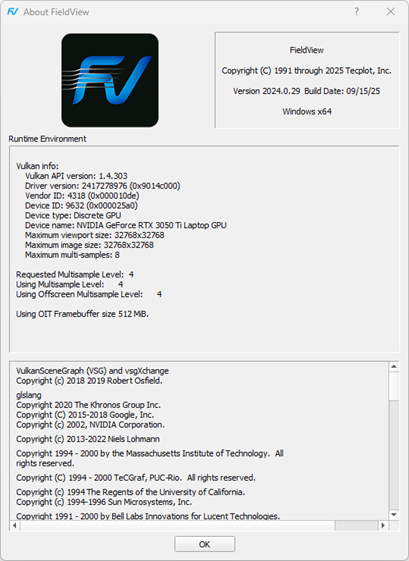
The Vulkan engine operates across all FieldView-supported environments, including systems with discrete, integrated, or virtual GPUs, and even software rendering on CPUs. For best results, a discrete GPU with updated drivers is recommended.
Physically Based Rendering and Image-Based Lighting
This release introduces Physically Based Rendering (PBR) and Image-Based Lighting (IBL) to enhance material realism and lighting accuracy.
- PBR models how light interacts with surfaces such as metal, glass, and plastic, producing more accurate reflections and highlights.
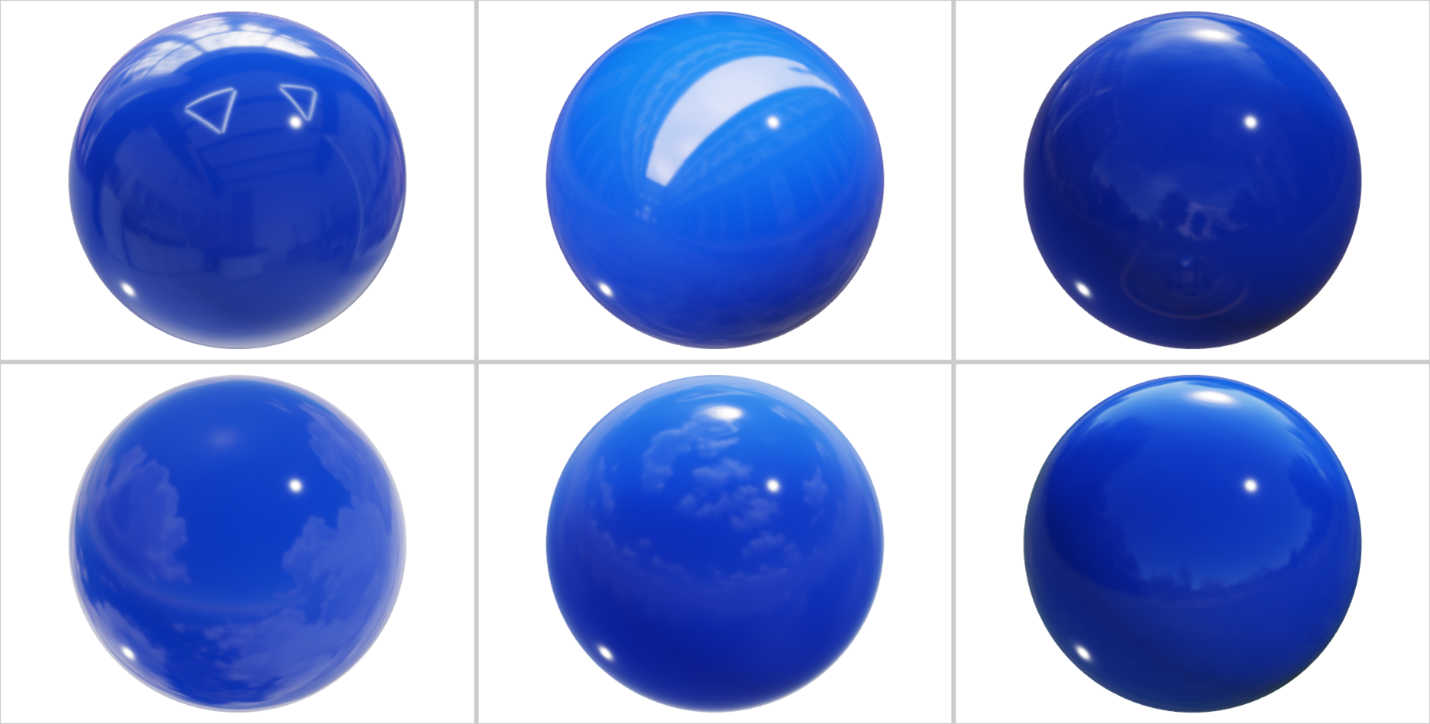
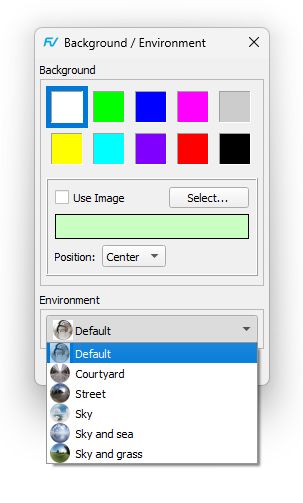
- IBL uses high-dynamic-range (HDR) environment images to simulate real-world lighting conditions. Six default environments are included to support a range of visualization needs.
Together, these technologies produce more realistic, consistent, and interpretable visualizations, improving both analysis and presentation quality.
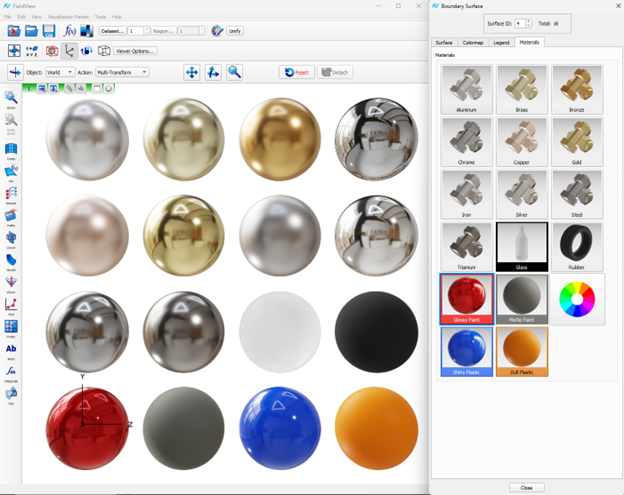
Material “Shiny Plastic” shown using the 6 predefined environments provided in this new release, as shown below.
Faster Graphics
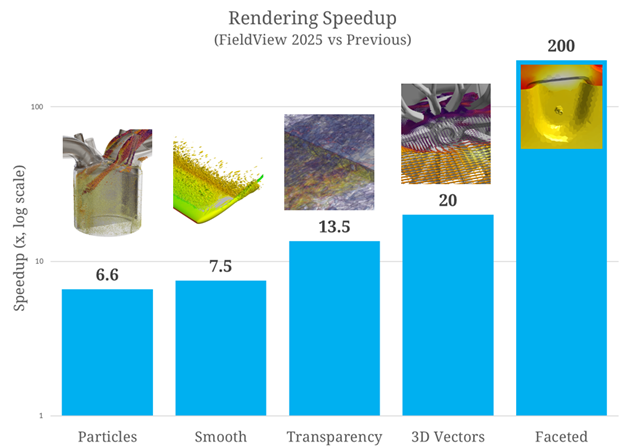
The new Vulkan engine delivers substantial performance gains in all aspects of visualization, especially when interacting with large datasets or complex models.
Users will notice smoother and faster view transformations – rotation, zoom, and pan operations are significantly more responsive. Internal testing shows speedups of up to hundreds of times compared to previous versions, depending on dataset size and complexity.
Faster Transparency with OIT
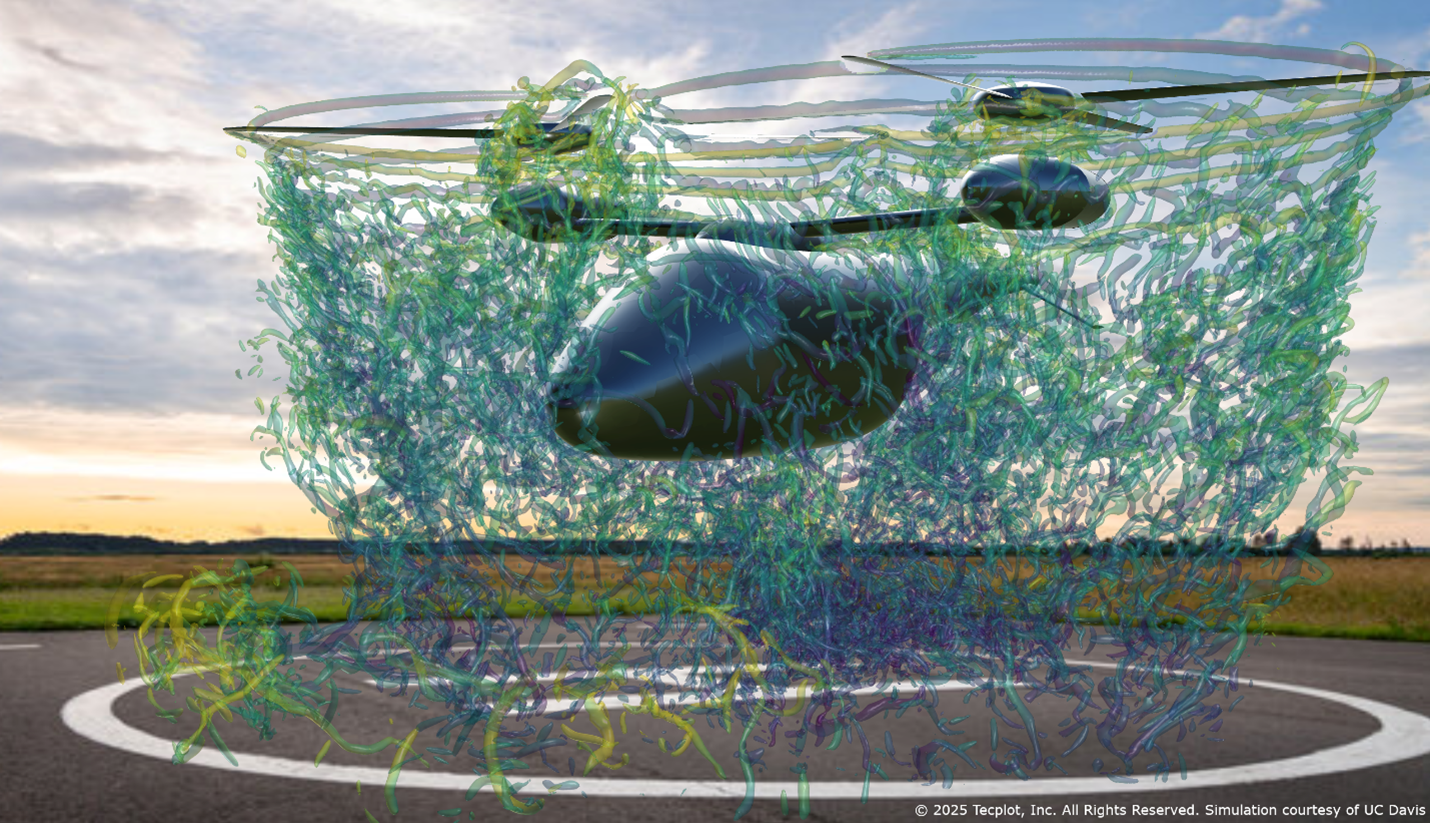
FieldView 2025 introduces Order Independent Transparency (OIT), which renders overlapping transparent surfaces both accurately and efficiently.
Traditional transparency required sorting and re-rendering multiple times. OIT eliminates that overhead, producing correct transparency regardless of object order and often achieving an order of magnitude performance increase.
Smoother Shading
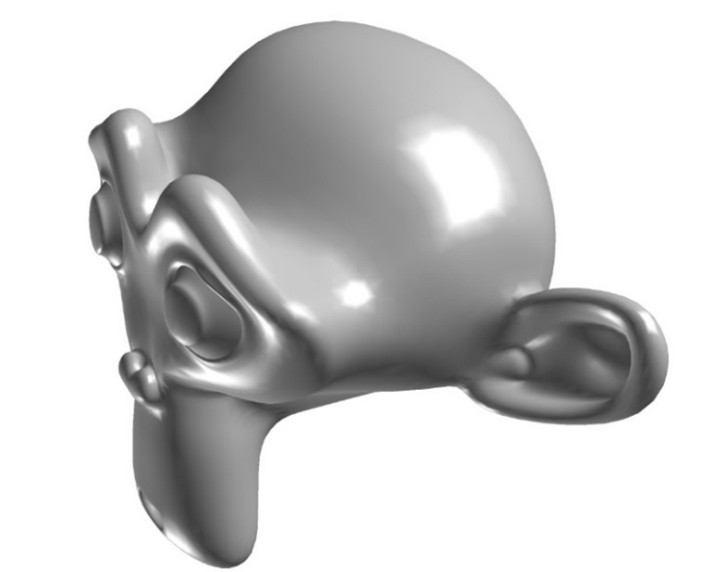
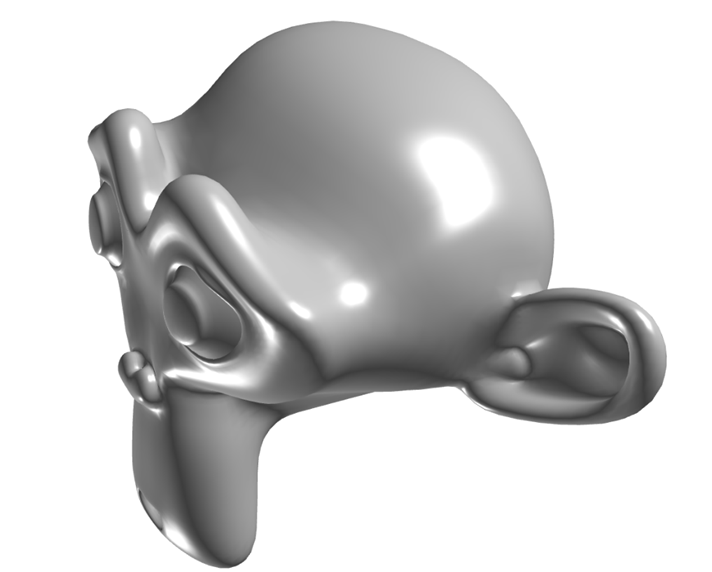
When View > Presentation Quality is enabled, surfaces rendered with Smooth Shading now use the Phong technique instead of Gouraud shading. This change provides smoother highlights and improved surface definition, particularly visible on coarse meshes and during close-up inspection.
Anti-Aliasing
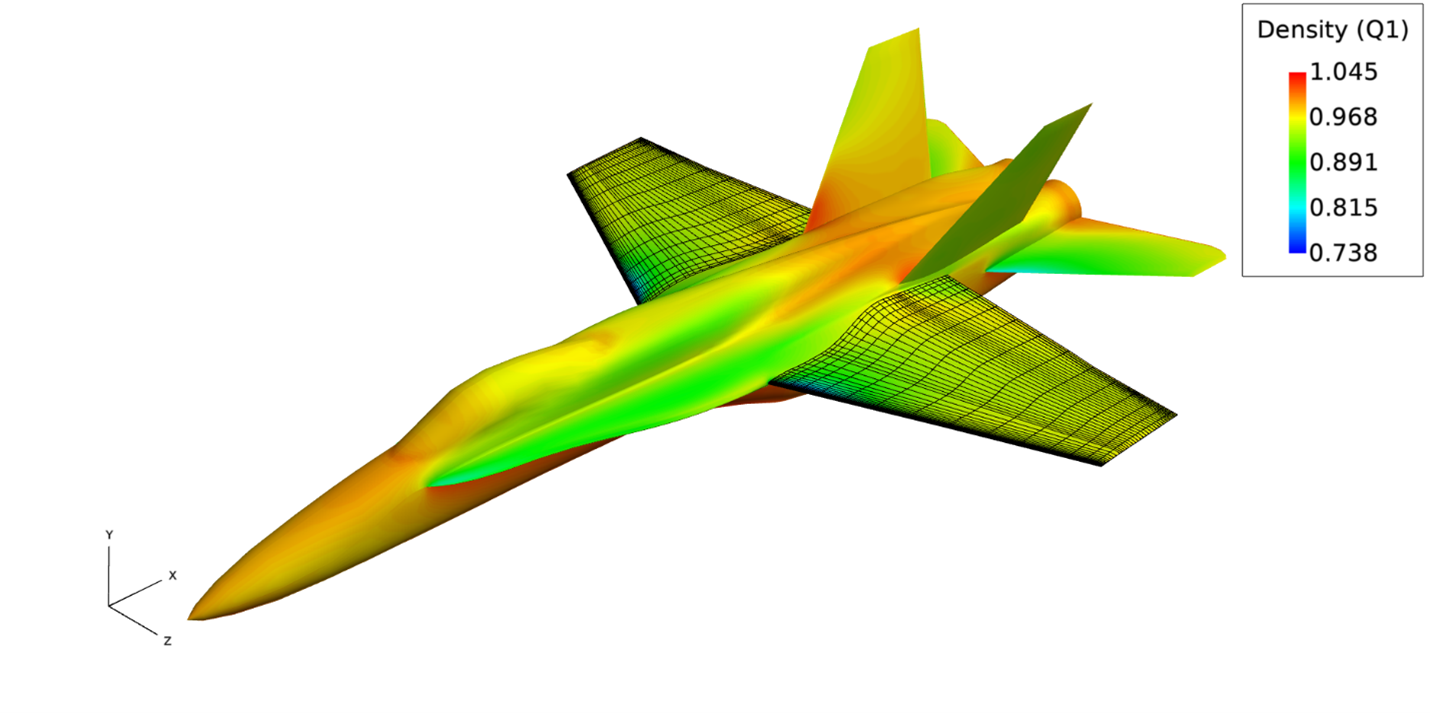
The previous Super-Sampling Anti-Aliasing (SSAA) method has been replaced by Multi-Sampling Anti-Aliasing (MSAA). MSAA delivers similarly smooth edges with far better efficiency, producing sharp images at lower GPU cost. The View > Anti-Aliasing menu has been removed, as MSAA is always enabled by default.
Vulkan Support Across Configurations
Built on the industry-standard Vulkan API, the new graphics engine offers consistent performance across Windows, Linux, and macOS.
Windows and macOS systems generally include Vulkan out of the box. On Linux, Vulkan support depends on the distribution—if it’s not already installed, you may need to add the appropriate Vulkan packages or drivers manually.
Drag and Drop for Restarts and Scripts
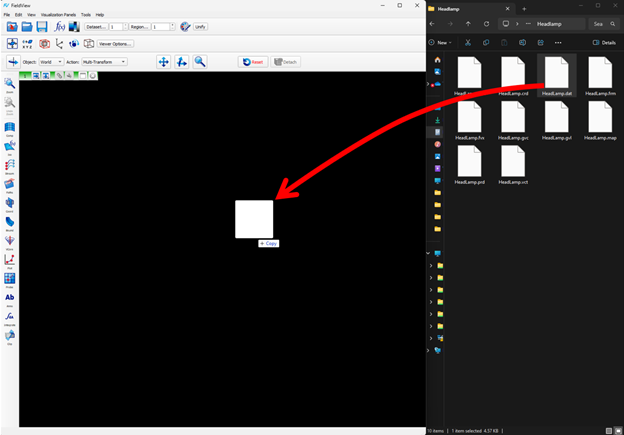
FieldView now supports loading Restart files and Scripts by dragging and dropping them onto the graphics window, making it faster and more intuitive to apply a Restart or a Script.
Native Support for Apple Silicon
This release brings native support for Apple Silicon (M-series) processors, enabling FieldView to take full advantage of Apple’s high-performance, energy-efficient architecture.
HTML Documentation
FieldView’s documentation has transitioned to a new HTML-based system, replacing PDF manuals. The new documentation is faster, easier to search, and includes keyword-based navigation and cross-references for improved usability.
Other Updates & Improvements
- Simplified demotion controls during interactive view changes (Off or Bounding Box modes).
- New toolbar icons for Demotion, Axis Markers, and Running Mouse controls.
For a full list of all the new features and enhancements see the Welcome to FieldView.
Contact Us
To experience all of the improvements that this release offers, contact us or try FieldView 2025 for free.